The opportunity, requirements, and estimate stay connected.
LINKOLOGY BY START PERFORMANCE
One platform.Everything linked.
Linkology connects four business cores with focused add-ons for knowledge, intelligent analysis, and guided AI interaction.
THE LINKOLOGY DASHBOARD
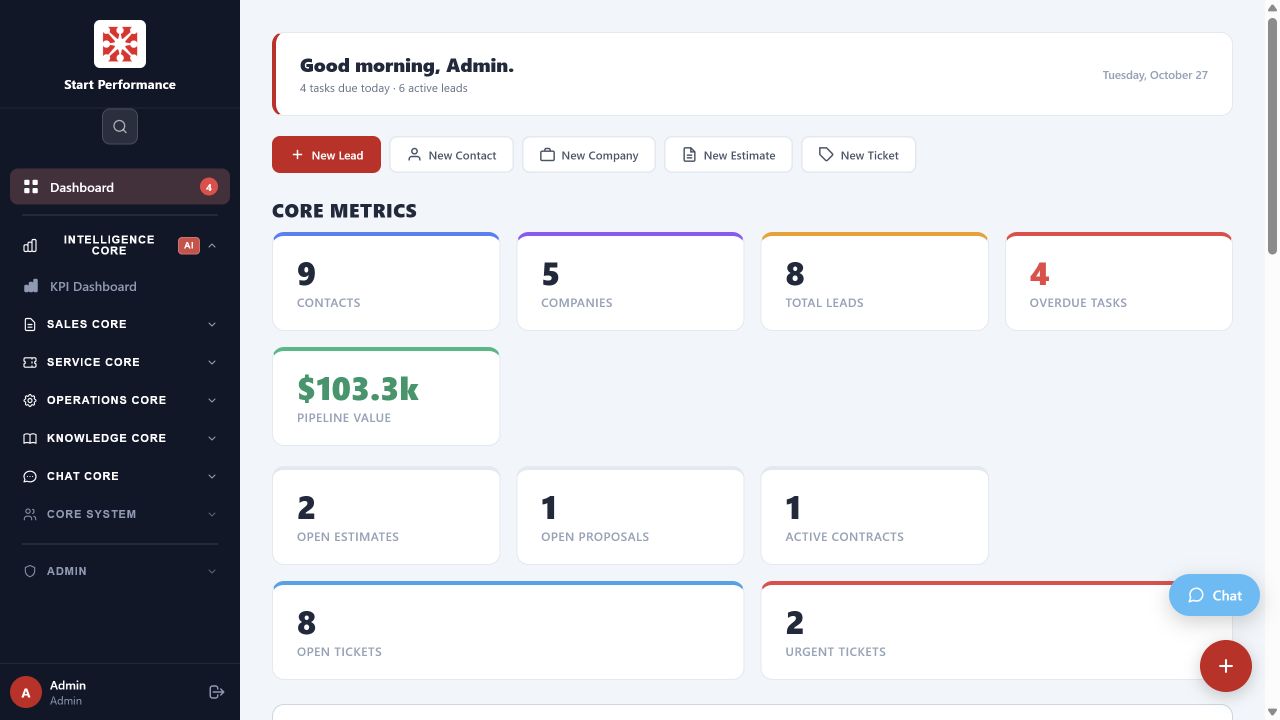
Start the day with the whole picture
Contacts, companies, leads, overdue tasks, pipeline value, estimates, contracts, and service tickets in one live view.
Each role gets a relevant starting point while leadership retains the whole picture. Quick actions start common work, and the activity record preserves the history.
WHAT THIS MEANS FOR YOU
Every role starts with the work that matters nowShared customer contextVisible ownershipFewer status meetings
FOUR CORE MODULES
Match Linkology to the functions you need
Each core works on its own and shares the same contacts, companies, tasks, activity, and operating context when you connect multiple functions.
01 Sales Core02 Production Core03 Service Core04 Admin Core
CORE 01
SALES CORE
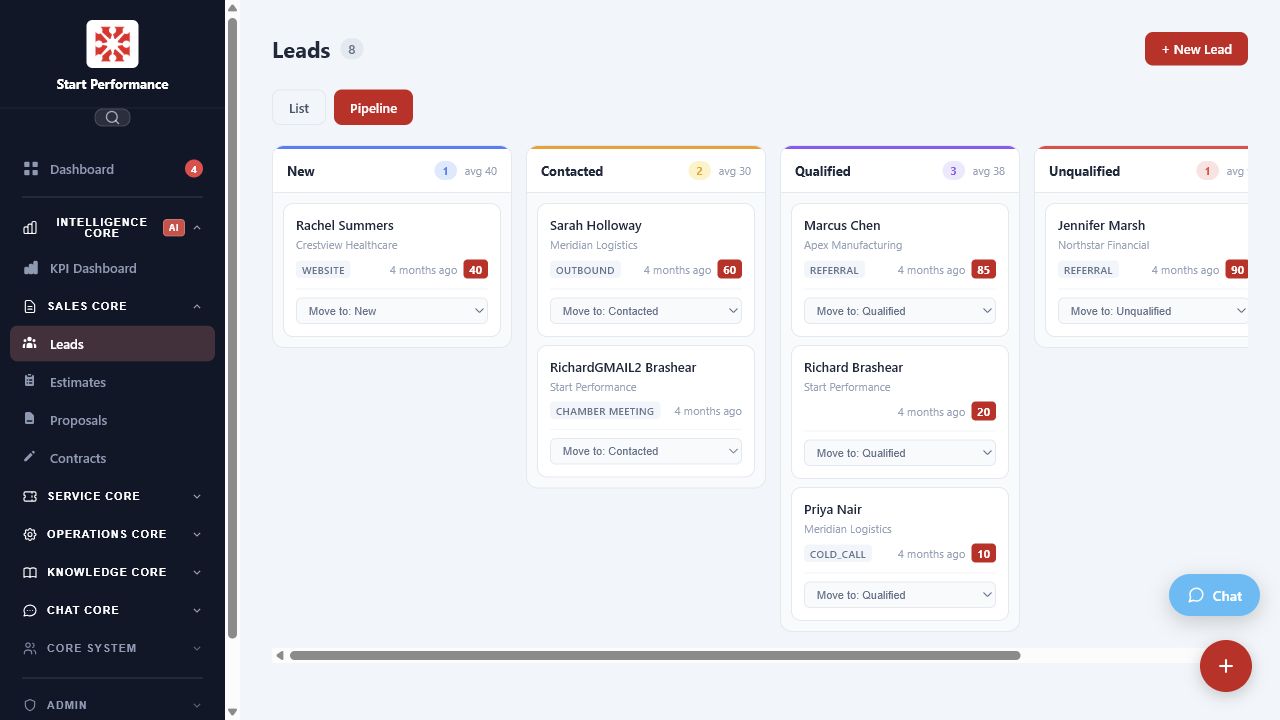
Every opportunity has a next step
- Lead trackingMove prospects from new to contacted, qualified, and closed without losing the history.
- Estimates and quotesBuild customer-ready documents from the same record the sales team already uses.
- Proposals and contractsKeep the full commercial history connected from first contact through agreement.
- MarketingConnect landing pages, calls to action, and lead sources to the pipeline.
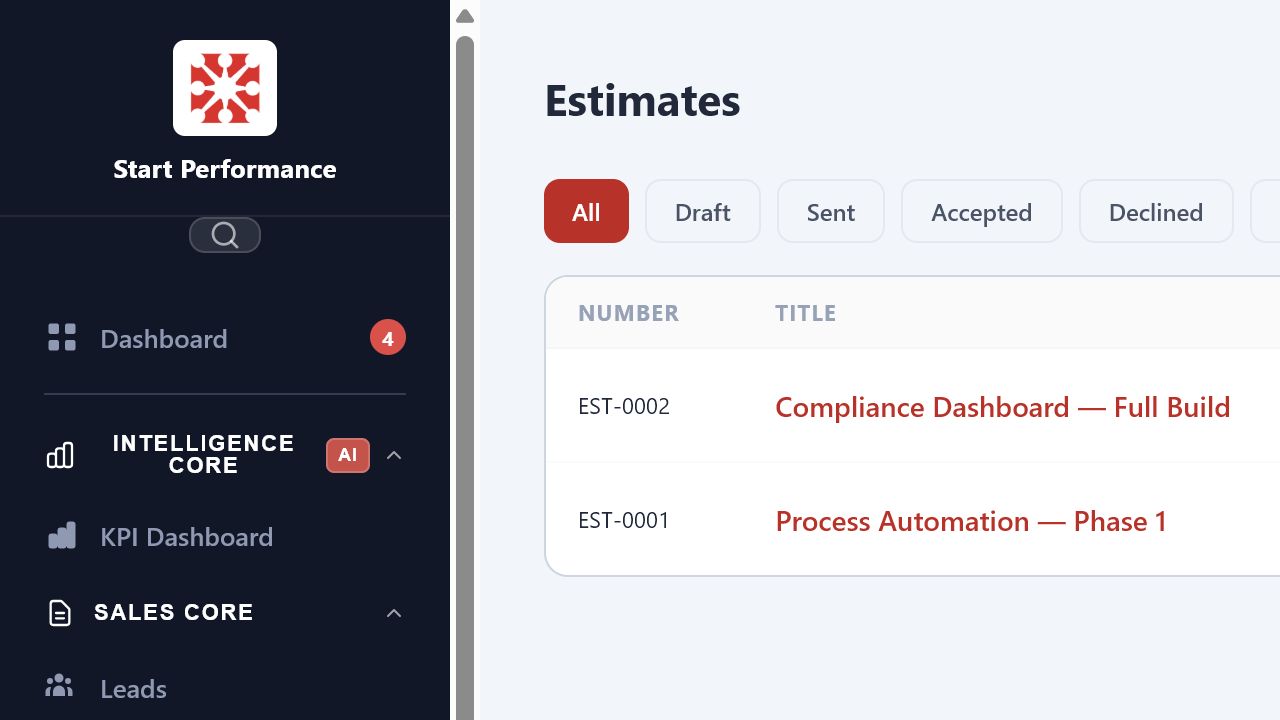
From interest to agreement
Organize estimates by status, preserve the sales history, and keep leadership and service working from the same customer record.
CORE 02
PRODUCTION CORE
Make production status visible while work is moving
- InventoryKeep materials and parts connected to the work that needs them.
- Work schedulingSee scheduled, active, waiting, and completed work in one operating view.
- Safety auditsSchedule inspections, capture completion, and preserve accountability.
- Maintenance logsTrack recurring equipment work and the history behind each asset.
CORE 03
SERVICE CORE
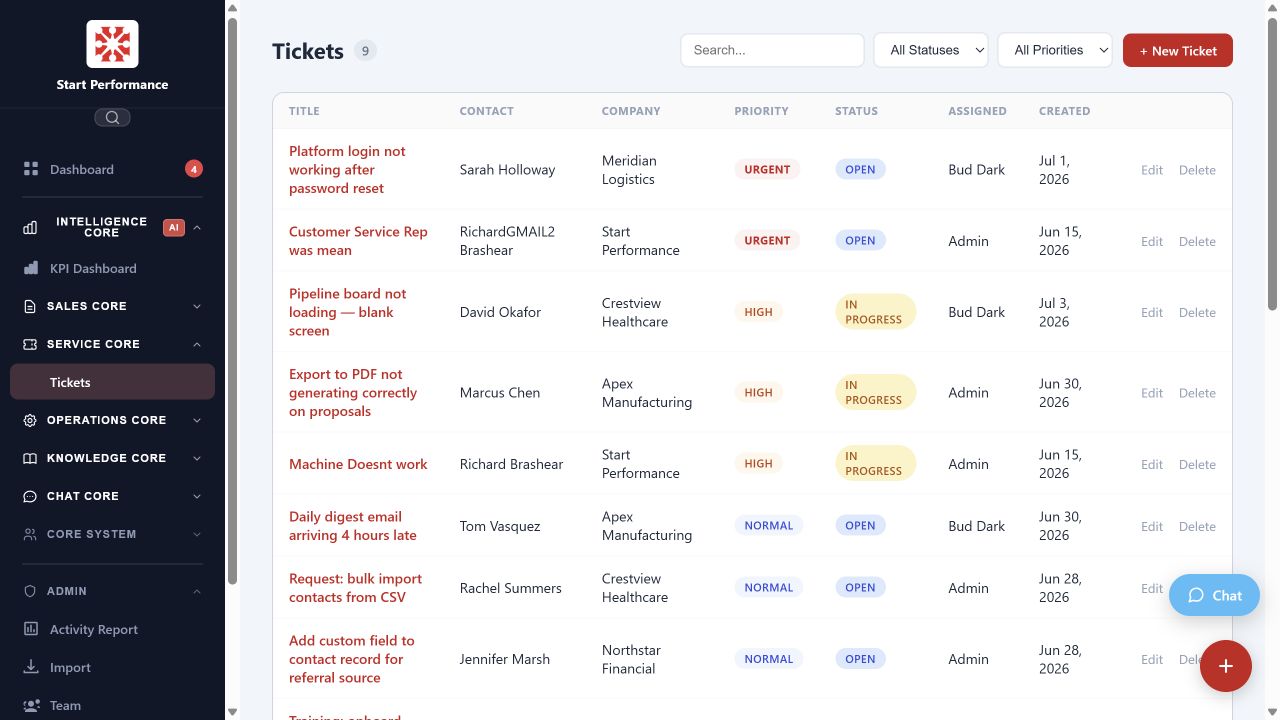
Support customers from a reliable service queue
- Service requestsLet customers submit needs without losing context in phone calls or inboxes.
- Support schedulingShow who is on duty, who owns the next action, and what needs attention.
- Warranty trackingKeep coverage, history, and reporting connected to the customer record.
- Customer portalGive customers access to status, spare parts, order history, and relevant documents.
CORE 04
ADMIN CORE
Move administrative work out of scattered spreadsheets
- Employee and HR recordsKeep essential employee information organized and available to the right people.
- Ecommerce connectivityConnect incoming orders to ERP or accounting workflows without manual re-entry.
- Accounting integrationLink card processing and financial platforms to the operating work.
- Performance analyticsGive management a centralized view across the business.
EXAMPLE WORKFLOW
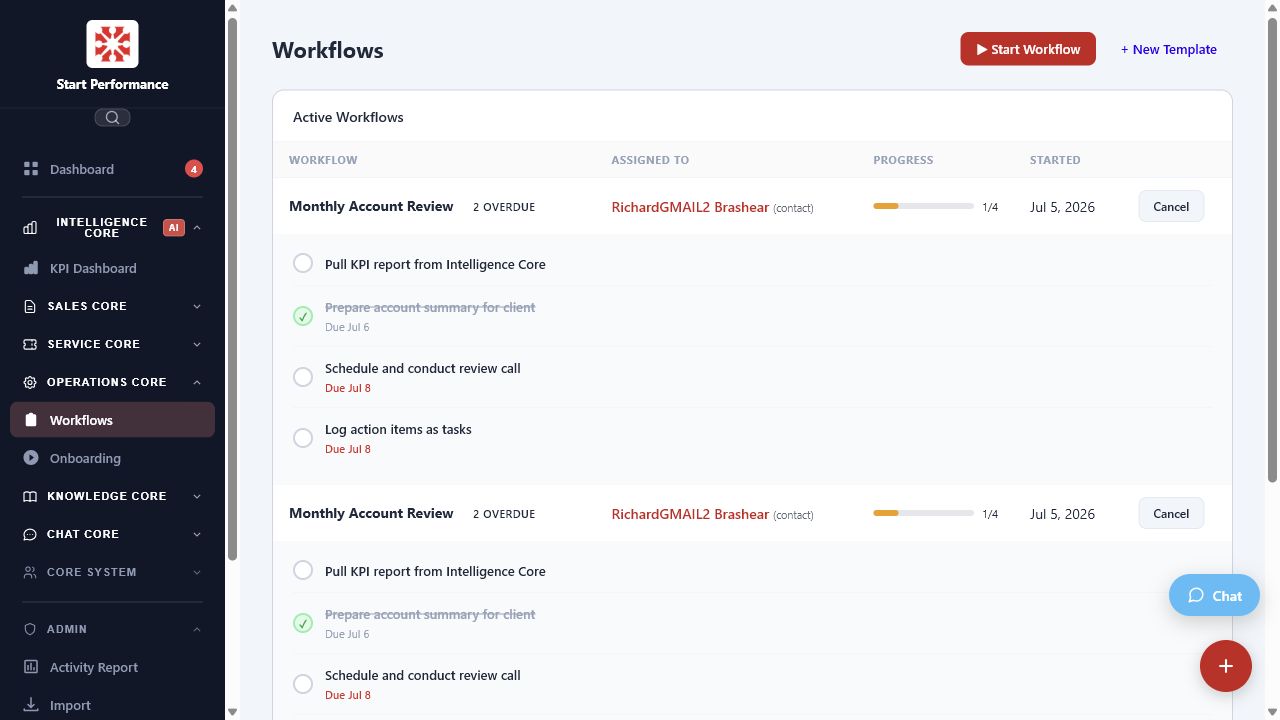
A quote becomes work without losing the customer story
Owners, status, schedules, and exceptions remain visible.
The installed product and customer history are ready when needed.
THREE LINKOLOGY ADD-ONS
Extend every core with knowledge and intelligence
Add these capabilities where they improve customer access, employee performance, or management visibility.
AI Interface
A branded, controlled interface for customers or employees, grounded in approved business knowledge.
Knowledge Center
FAQs, SOPs, training, quizzes, and resources that stay available across the work.
Intelligent Analysis
Data-based metrics and AI-supported analysis that connect activity across every core.
ADD-ON 01
INTELLIGENT ANALYSIS
Turn operating data into a decision list
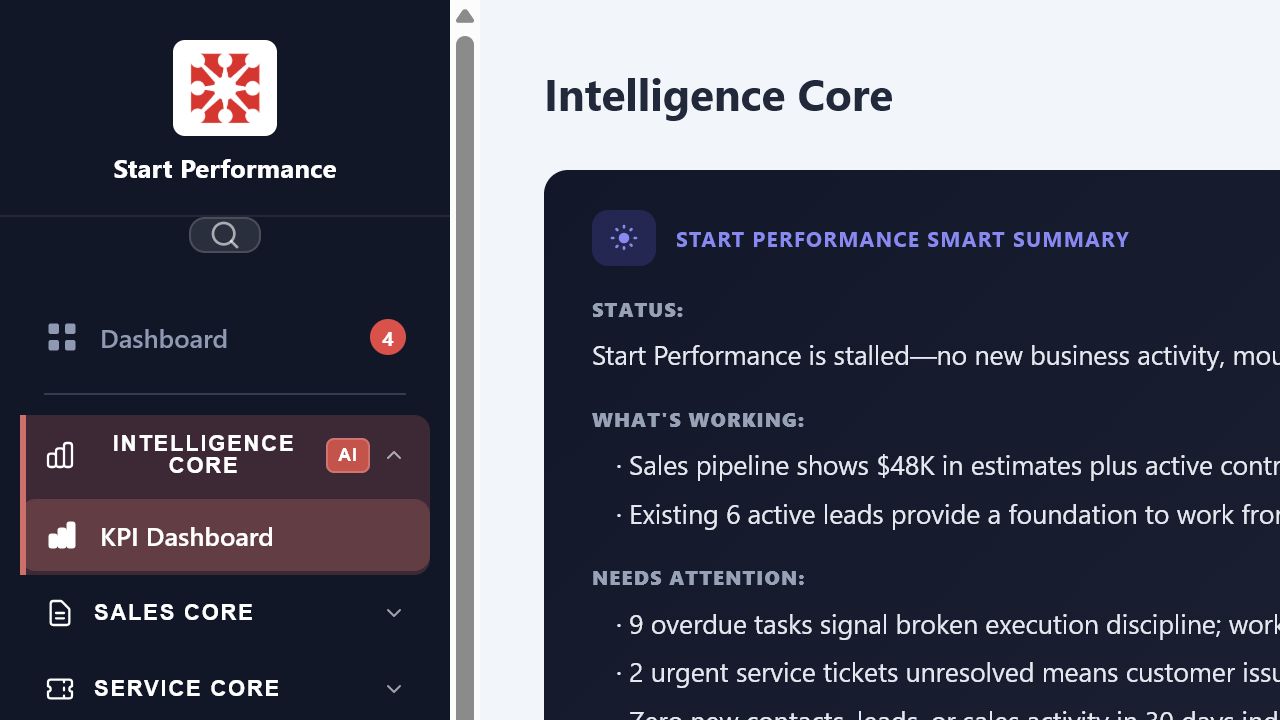
The KPI Dashboard combines current metrics with a plain-language assessment of what is working, what needs attention, and what leadership should do next.
- Daily digestSee what requires attention each morning without assembling another report.
- Pipeline insightSurface stale deals, overdue follow-ups, and qualification bottlenecks.
- Full activity logKeep every action searchable and exportable across the team.
Sales healthPipeline stage, lead velocity, channel quality, estimates, and active contracts.
Execution healthOpen tasks, overdue work, workflow progress, and recent team activity.
Customer healthTicket volume, urgent issues, status distribution, and service trends.
ADD-ON 02
AI INTERFACE
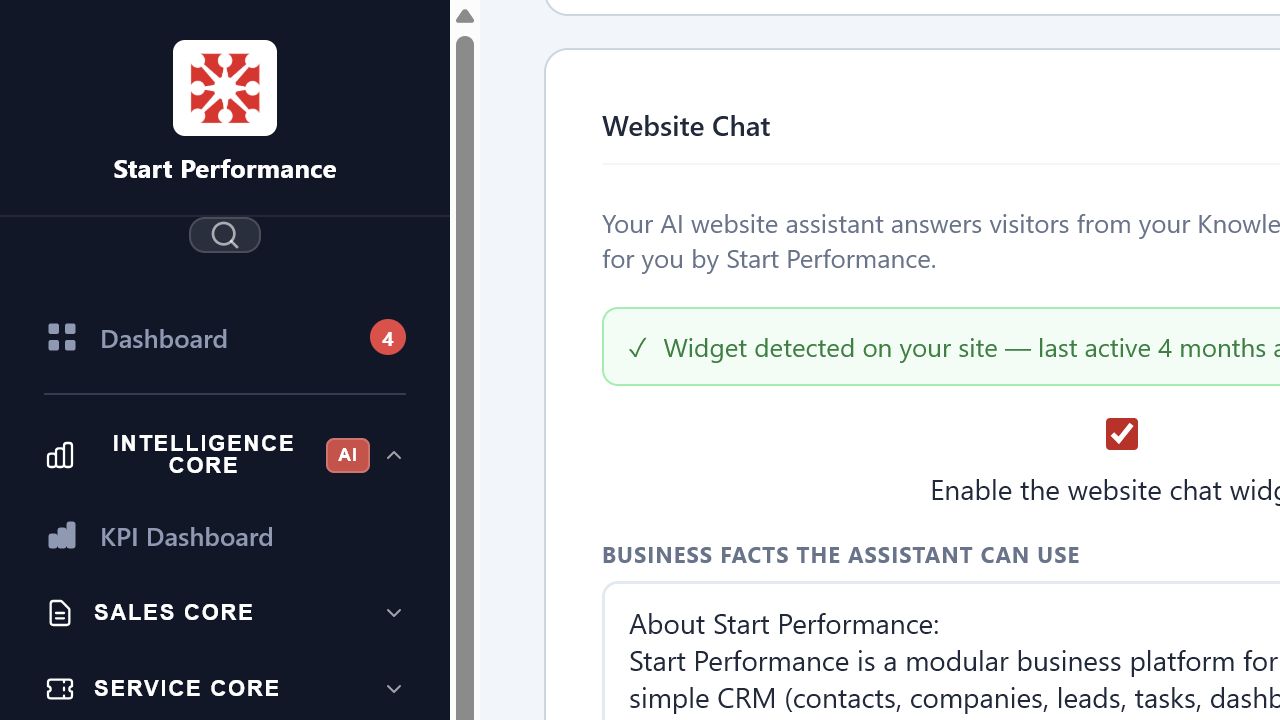
Give customers useful answers around the clock
- Grounded answersThe interface uses approved business facts and Knowledge Center content.
- Your brandControl the greeting, quick replies, colors, tone, allowed domains, and persona guidance.
- Useful routingGuide new customers, answer common questions, and capture service requests.
- Safe handoffBring the team in when the interface cannot help.
ADD-ON 03
KNOWLEDGE CENTER
Company knowledge stays available
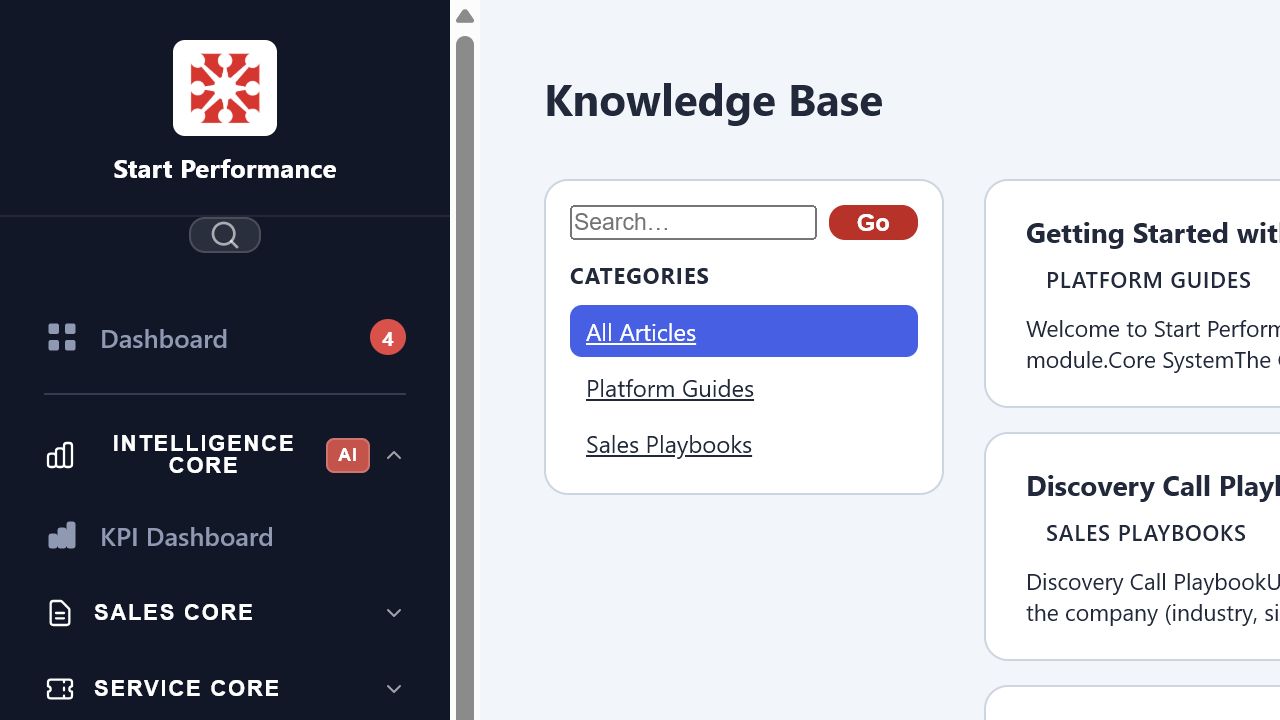
Policies, SOPs, sales playbooks, platform guides, files, and training live in one searchable resource.
- Knowledge basePublish approved answers, processes, and how-to content.
- Resource libraryStore important files and understand what the team uses.
- TrainingBuild lessons, quizzes, and completion reporting for new hires and existing teams.
CHOOSE THE RIGHT STARTING POINT
Which part of your business should Linkology connect first?
Bring us the bottleneck creating the most delay, repeated work, or missing visibility. We’ll help identify the first core that can create useful momentum.